
01
Point it at your vault.
Choose your Obsidian folder. That is the whole setup.
Windows beta opening soon
A sleepy cat for your vault.
It lives on your desktop, connects to your whole Obsidian graph, quietly reads the structure underneath your notes, and keeps the right thing in view without turning your day into a dashboard.
Local-first beta. One vault free. No spam.
Ship landing page
Review sprite sheet
Stale: Mac spec
Whole graph awareness
The first setup step gives SleepyKit a local path. From there it treats your Obsidian vault like a connected graph: notes, backlinks, tags, frontmatter, tasks, due dates, stale projects, and AIOS maps all become quiet context for the cat.
Walks every Markdown note under the chosen vault root.
Maps links, backlinks, tags, aliases, and frontmatter.
Pulls open tasks, due dates, and last-touched project recency.
Builds a compact context digest instead of sending raw vault dumps.
digest: top changed notes + due dates + graph neighbors + AIOS route map
How it works
SleepyKit explains itself like the app behaves: one calm step at a time, with the cat doing the remembering instead of you.
Choose your Obsidian folder. That is the whole setup.
Links, backlinks, tags, tasks, dates, project recency, and frontmatter stay on your machine and become a small useful digest.
A soft meow when a project has gone stale or a due date is close. No red alert wall. No guilt loop.
Catch a thought from the desktop and send it back into your daily note or inbox instantly.
Desktop dashboard
The dashboard is where productivity features, plugin power, and technical settings live without crowding the desktop companion.
One stale project, one overdue note, one quick capture.
Nudge after 3 days idle.
7 loose notes ready to file.
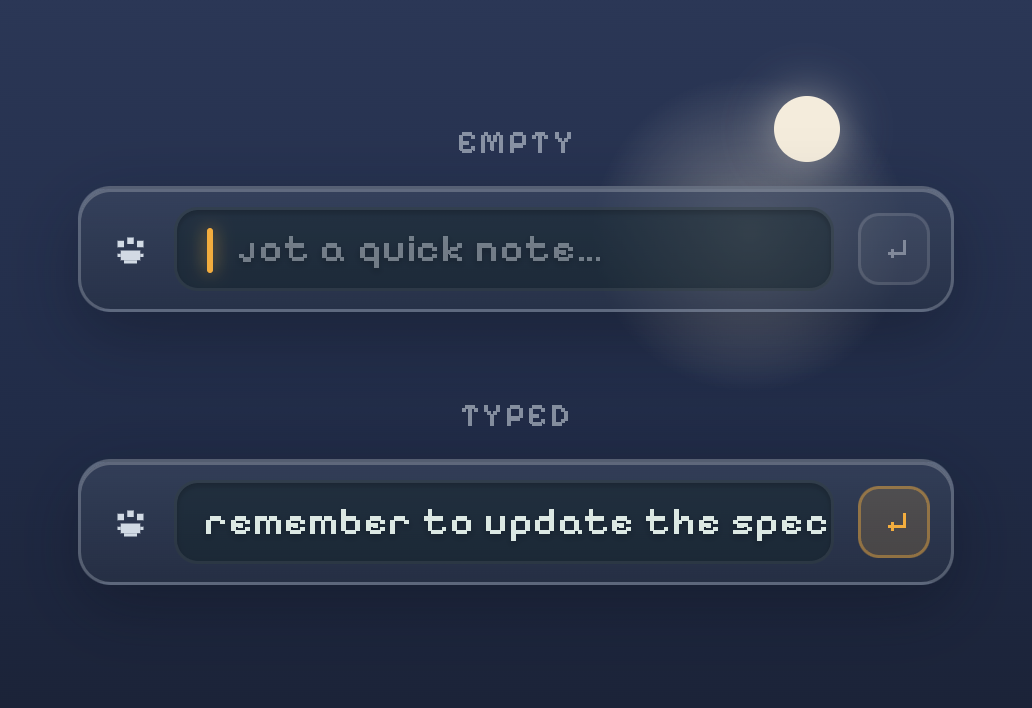
Quick jot saves to today by default.
Daily control without turning the whole app into a chore board.
Plugins are permissioned modules. Core vault features stay local by default.
Settings are about comfort, not pressure.
The technical layer turns files into context without dumping the vault.
Day in the life
The trailer belongs here once the first clean product clip is ready: after the viewer understands the loop.
Trailer coming soon
SleepyKit beta footage drops here.Calm by design
SleepyKit is built for people whose brains bounce off busy tools: strong hierarchy, quiet surfaces, gentle nudges, and nothing that punishes you for needing rest.
Today and overdue are the focal point. Everything else stays lower pressure.
No broken streaks, no alarm-red shame, no app trying to win your attention.
Calendar, timers, stats, and focus tools can exist without crowding the core.
Local-first trust
SleepyKit reads your vault on your own machine. BYOK AI nudges use a compact digest instead of dumping your vault, and hosted AI is a paid convenience for later, not the core promise.
Join the beta list and follow the build as SleepyKit moves from Windows desktop cat to a full local-first vault companion.
Get early access